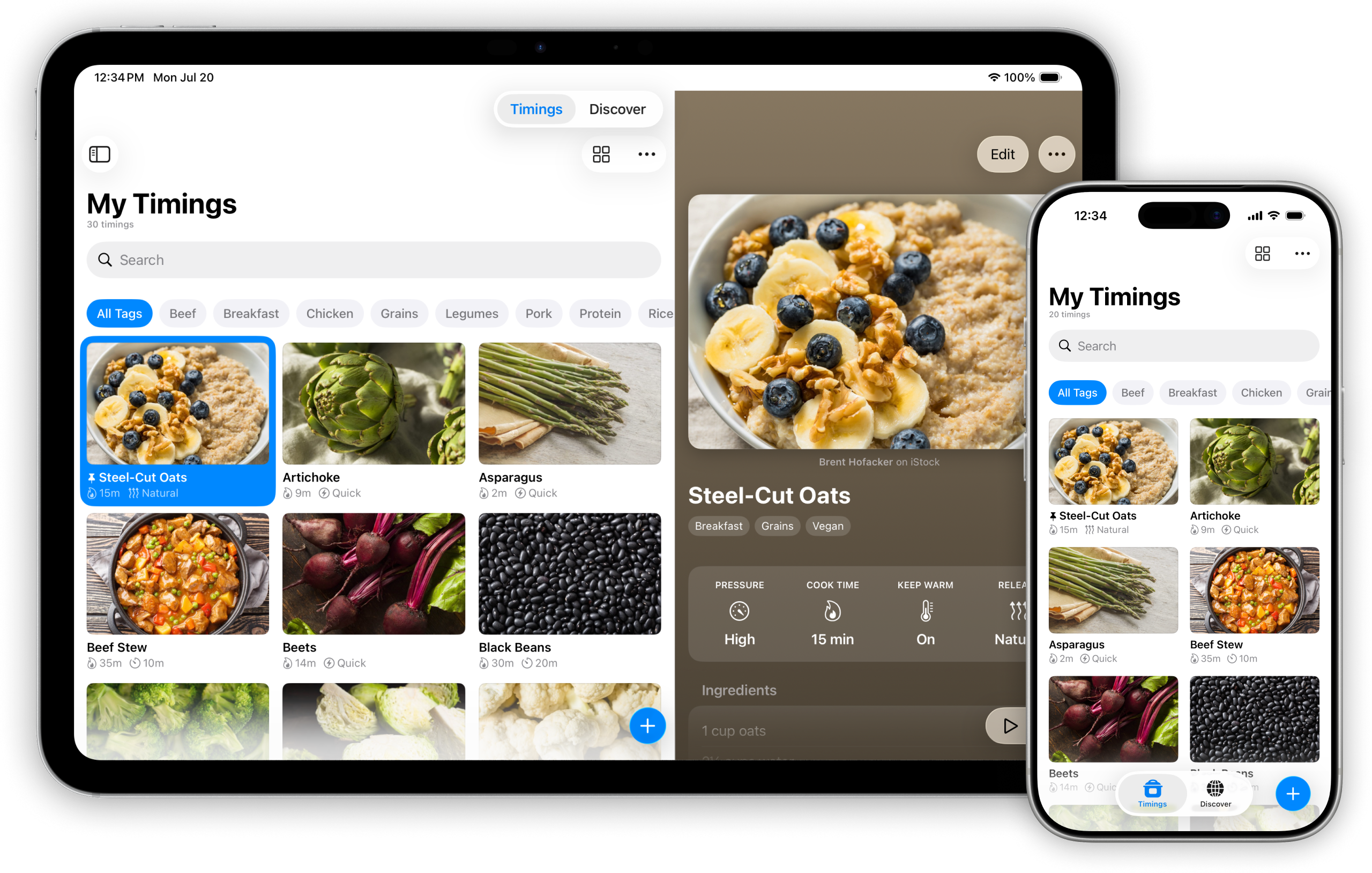
Your pressure cooker settings, saved.
Save everyday timings, import full recipes, and keep the adjustments that work for you.

Handcrafted
Built with care—every detail considered.
No ads
Clean, focused, and distraction-free.
Private
No personal data. No tracking.
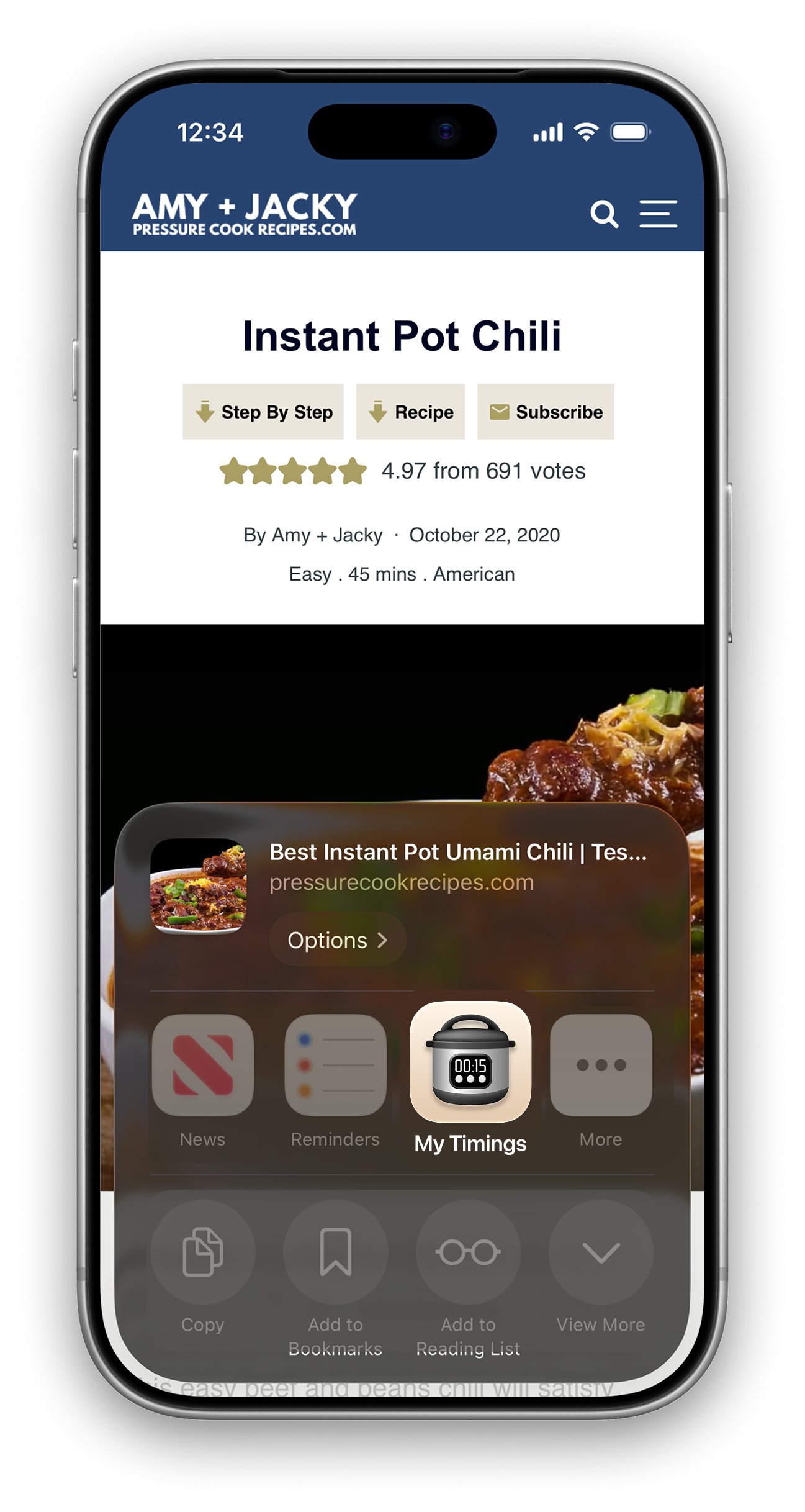
Import from popular recipe sites
Share a pressure cooker recipe from a supported website to My Timings. Bring in the ingredients, instructions, and cook settings, then review and adjust before saving.
Or find your next recipe in Discover
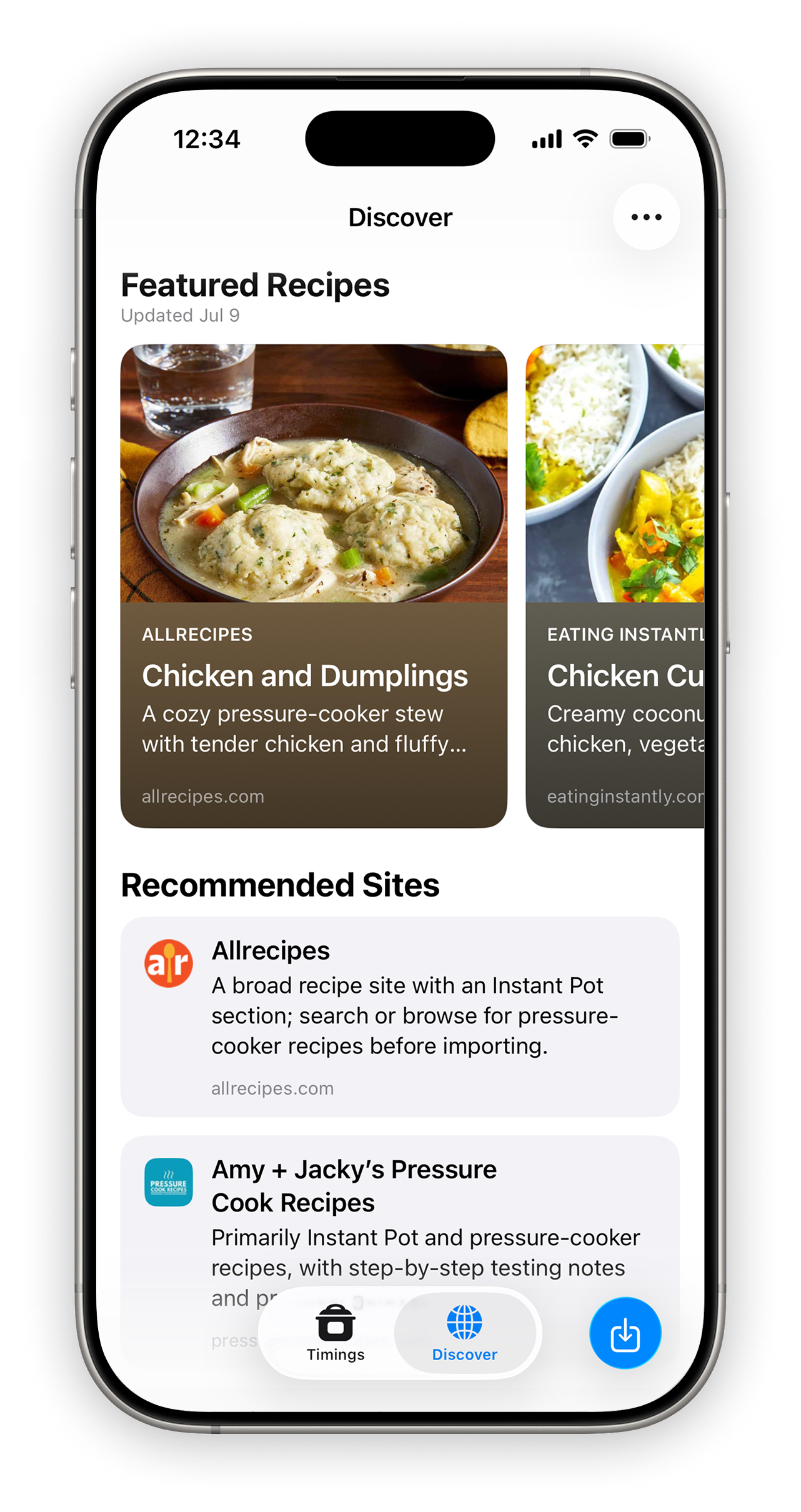
Browse Featured Recipes and recommended pressure-cooking sites in Discover. Find something you like, open it in the built-in browser, and import it into your collection.
See everything at a glance
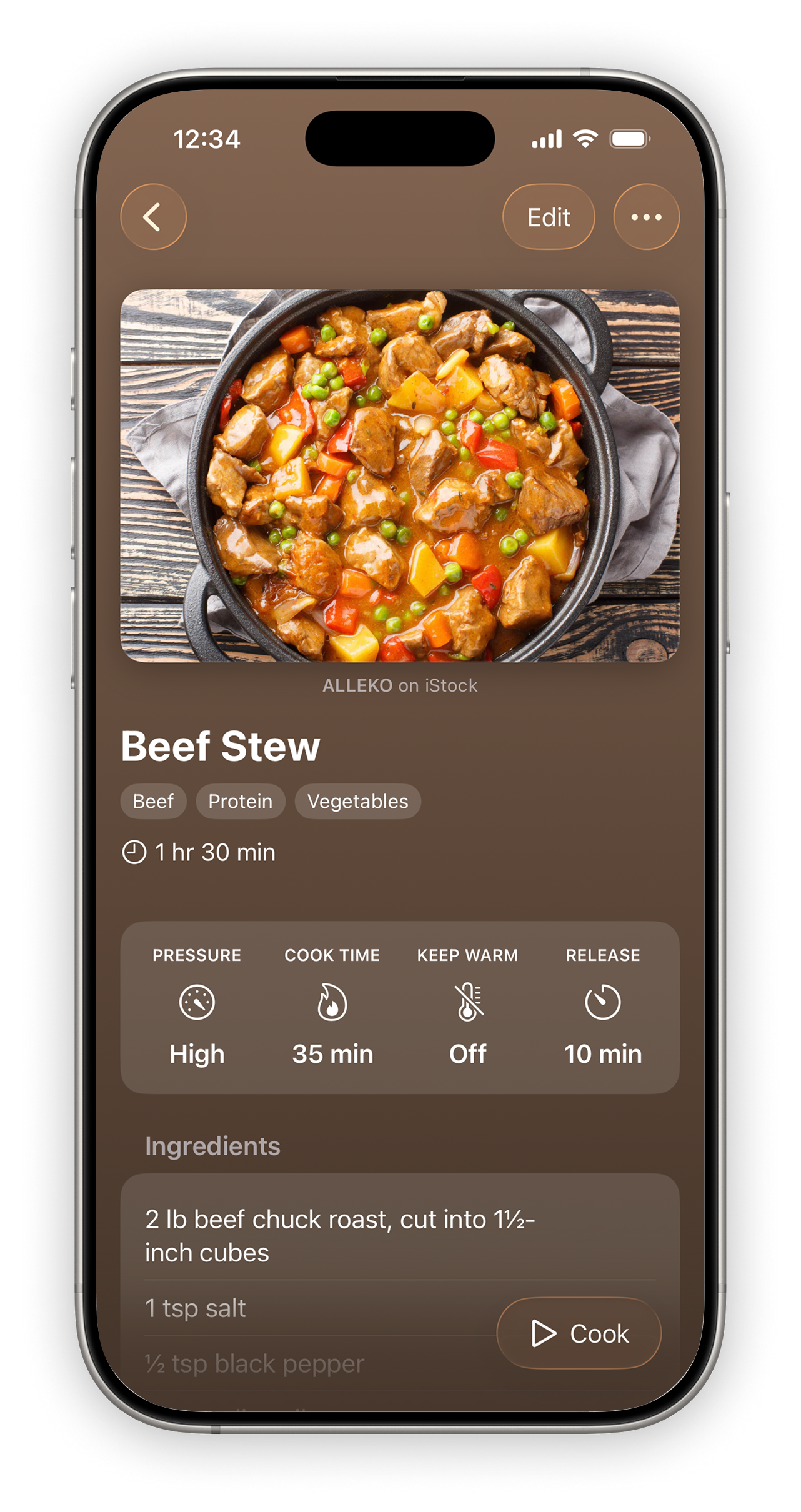
View all your essential pressure cooker settings in one place—so you can cook with confidence every time.
Cook step-by-step, hands-free
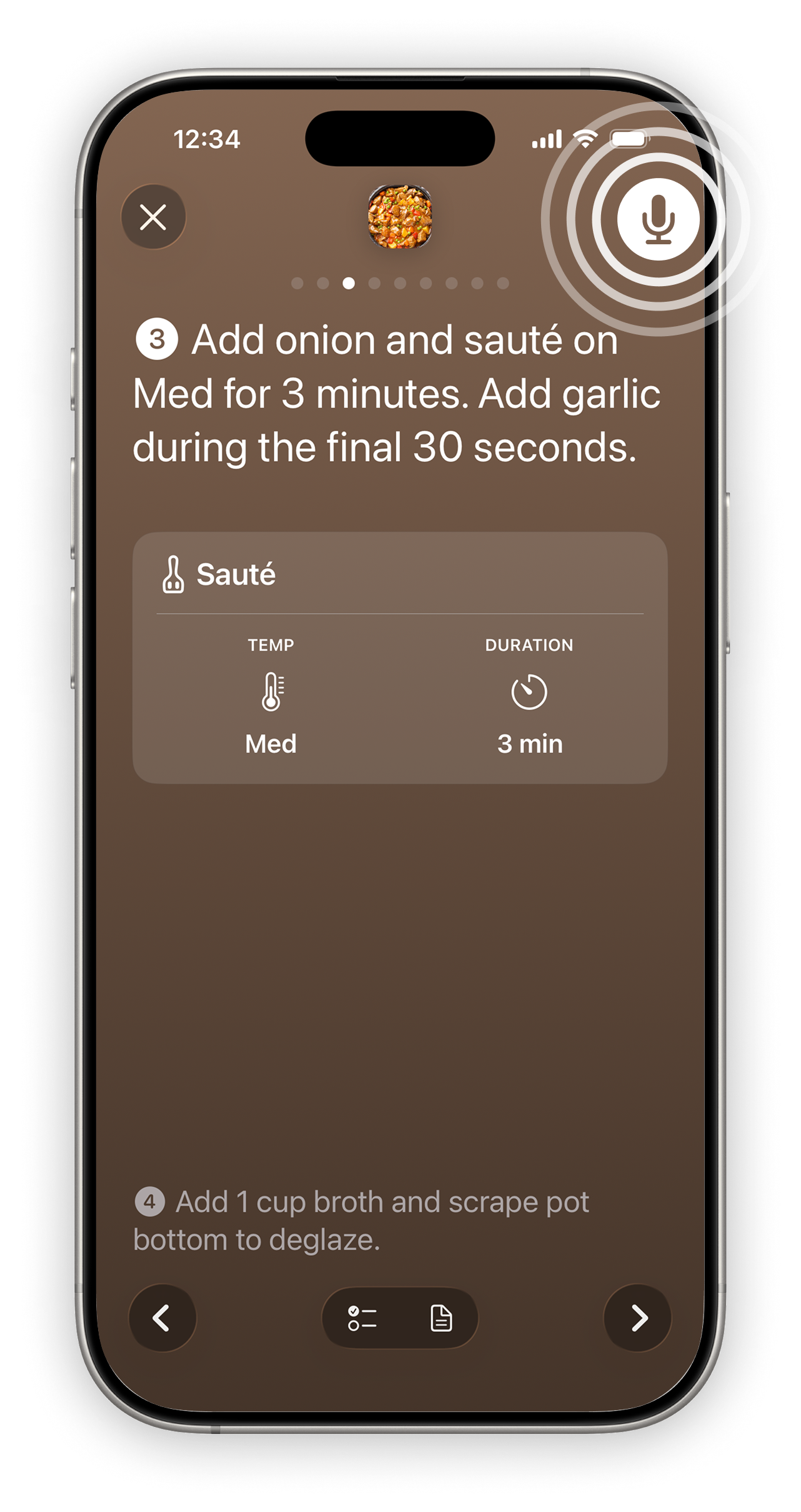
Step through your recipe one phase at a time. Use voice commands to move between steps, see what’s next, and check ingredients without losing your place.
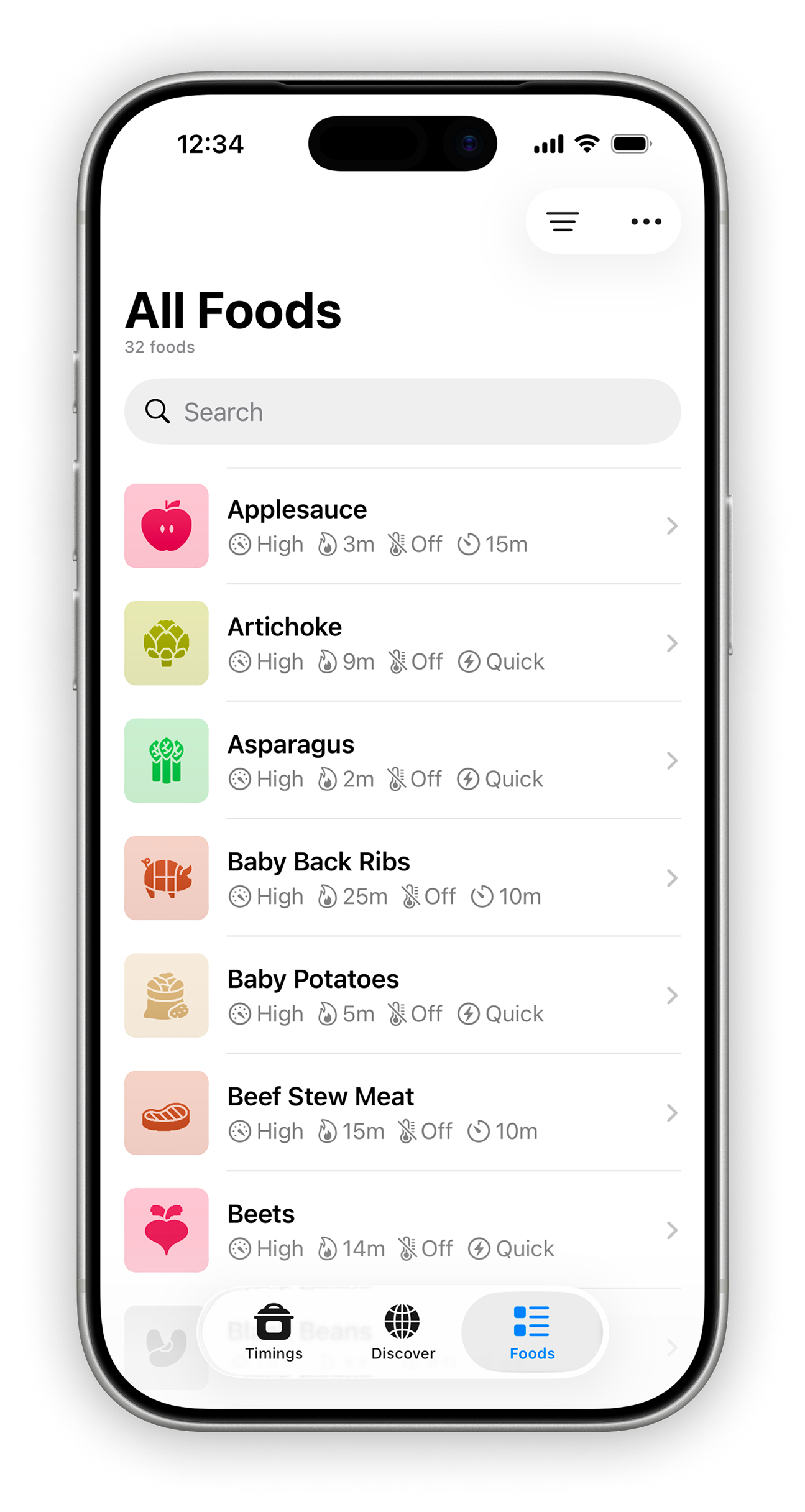
Common foods, already timed
The Foods tab gives you pressure cooker settings when you just need the numbers. Search by name or filter by category, then add one to your collection as a timing.